Opens in a new tab
Plans & PricingSignup for FreeGet a demo
Book a demo

Connecting your LDAP to ClicData

Anna Walteron February 20, 2014
Last updated on May 14, 2025

With the February update (17/02) of ClicData comes the ability for our DataLoader to connect to your LDAP directory.

DataLoader can connect from any machine that is in the LDAP domain or outside of it as long as it can connect to the LDAP server.
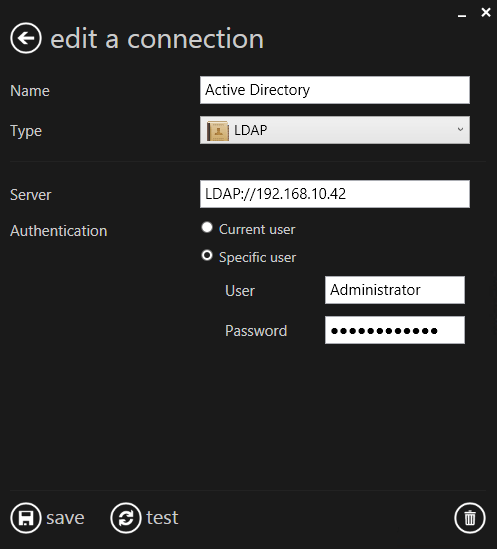
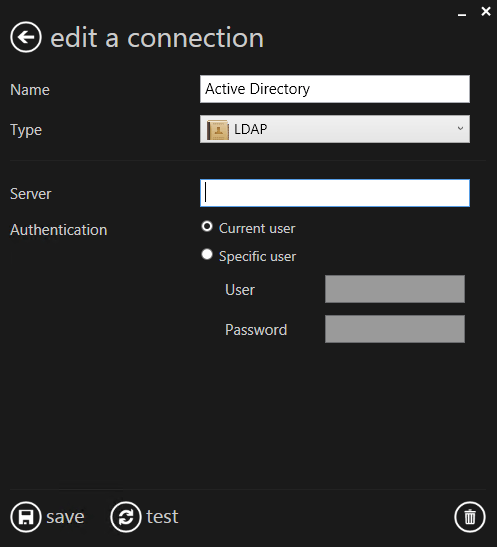
Connect to any LDAP server using any credentials
You can also leave all the fields blank ; DataLoader will connect to the domain server as the current user

Once the connection is established, you can use any standard LDAP filter to fetch anything you like.

That’s all there is to it – get data from your LDAP domain in ClicData in a matter of minutes!
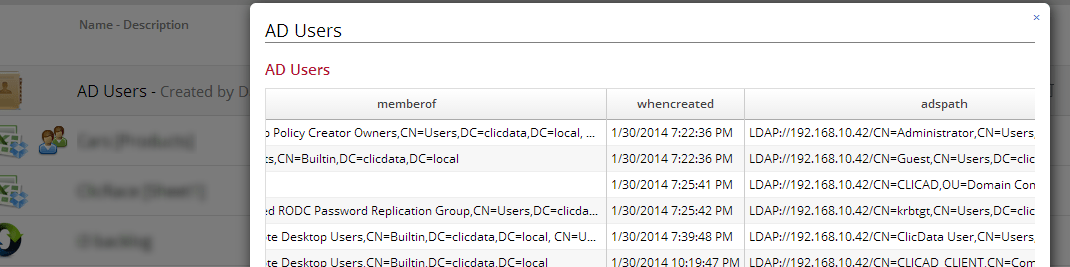
LDAP Users imported into ClicData

Happy Dashboarding with ClicData!

Table of Contents

Summarize this content with AI